Sewing Club · Digital Prints

PRINTS

Five scales and any size in between, from 15 to 75 cm, straight and bias. Choose your scale, upload it to a fabric printing service and sew a piece that is entirely yours.

Five scalesBias includedPNG · 150 dpi · sRGBInstant download

Overview

Signature PrintsFrom file to fabric

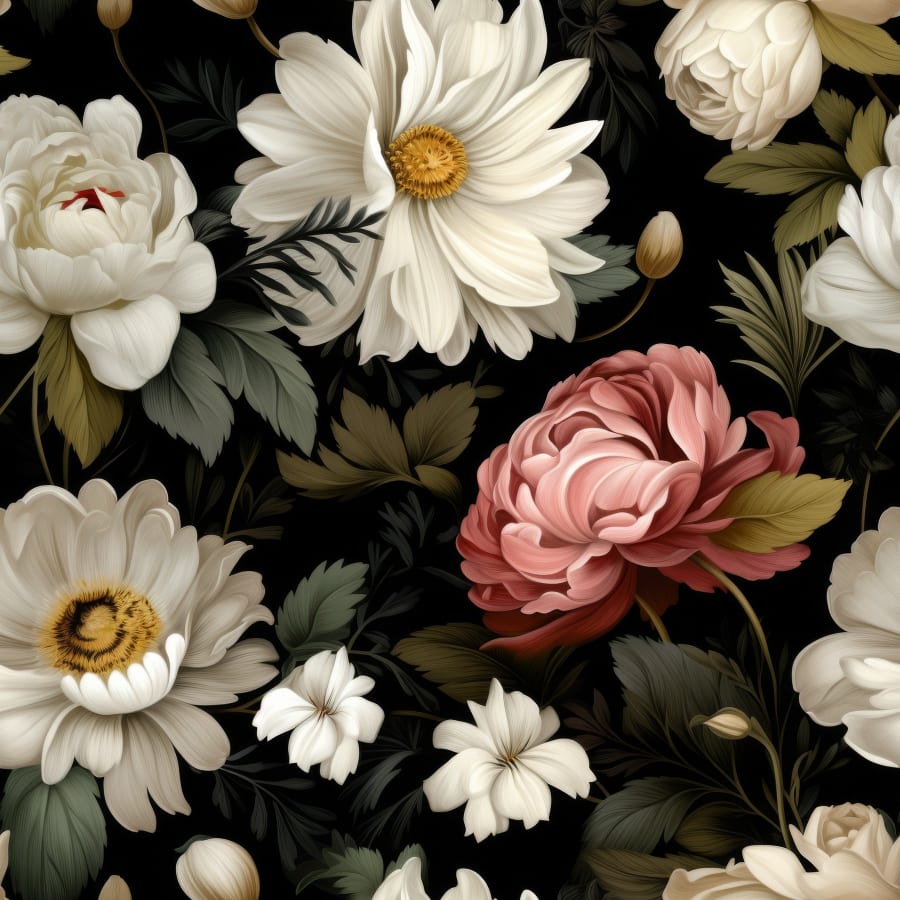
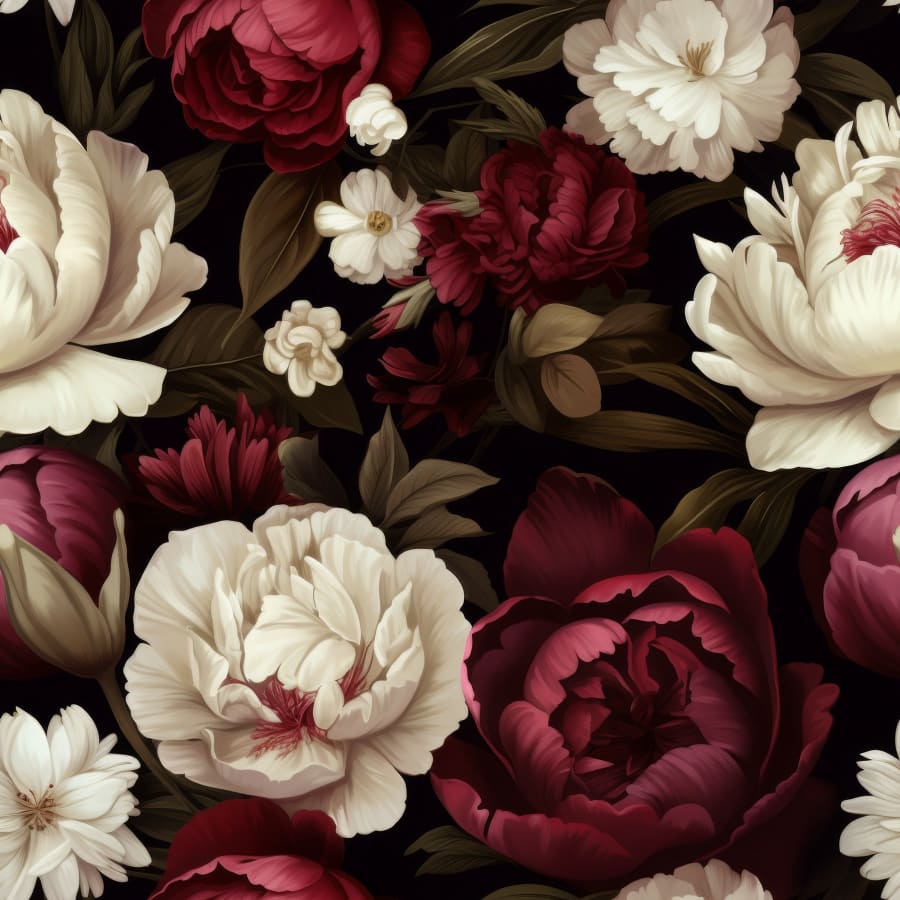
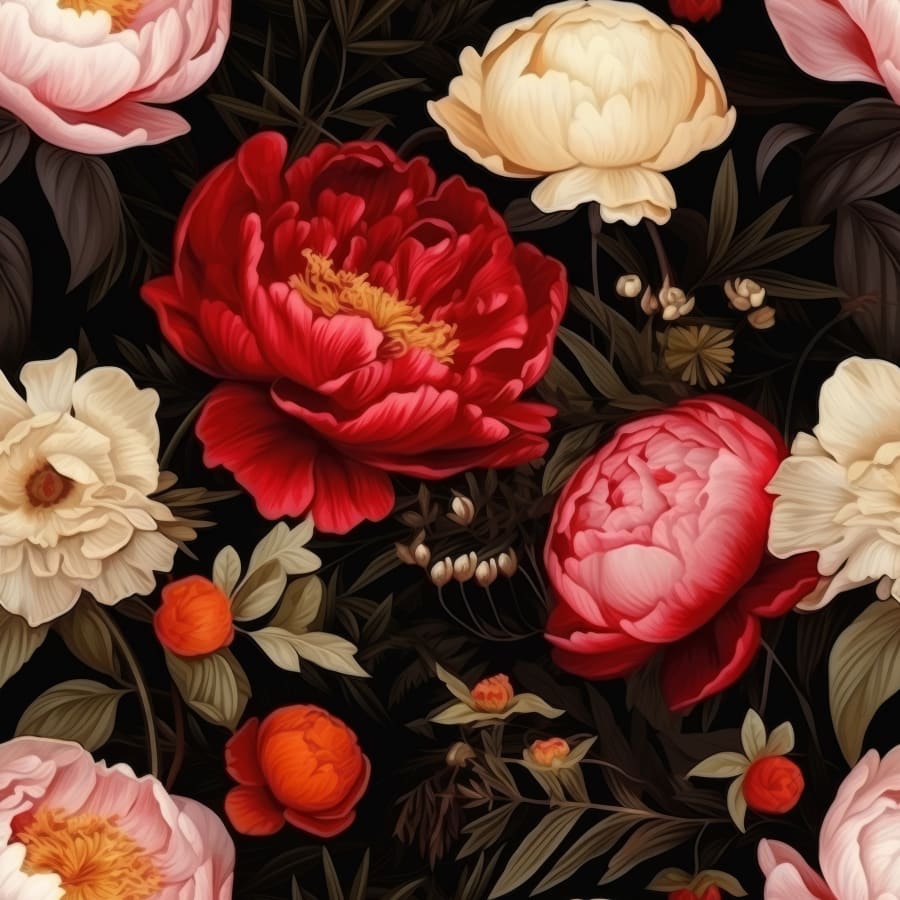
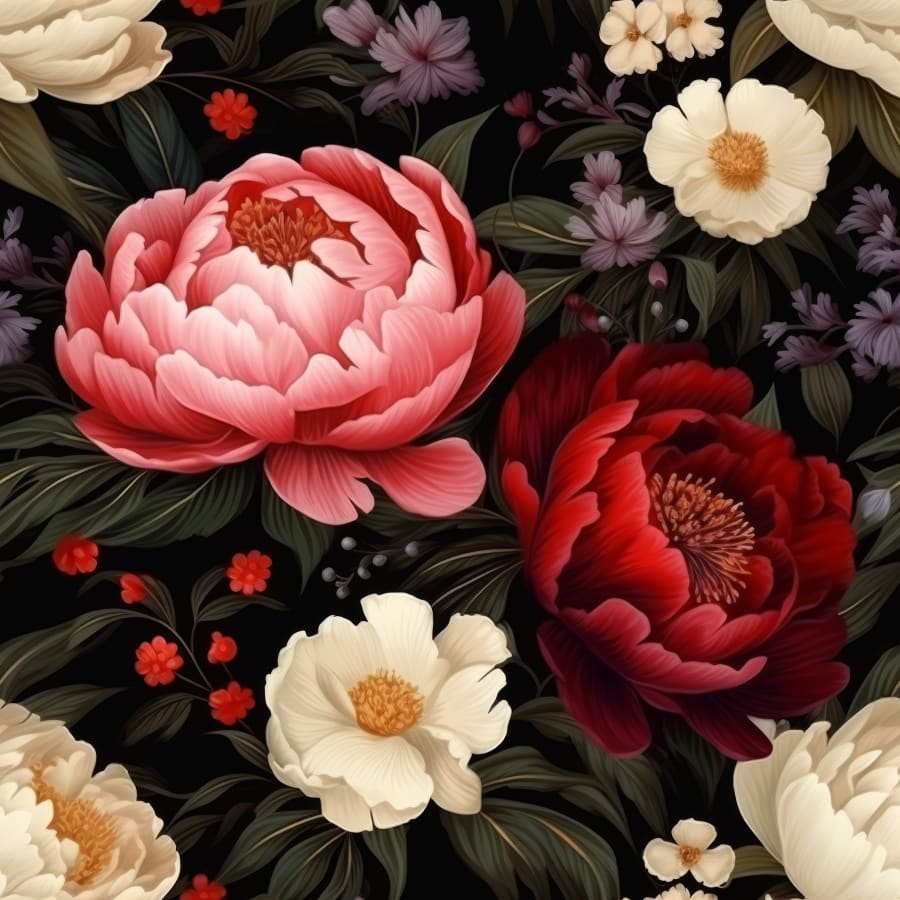
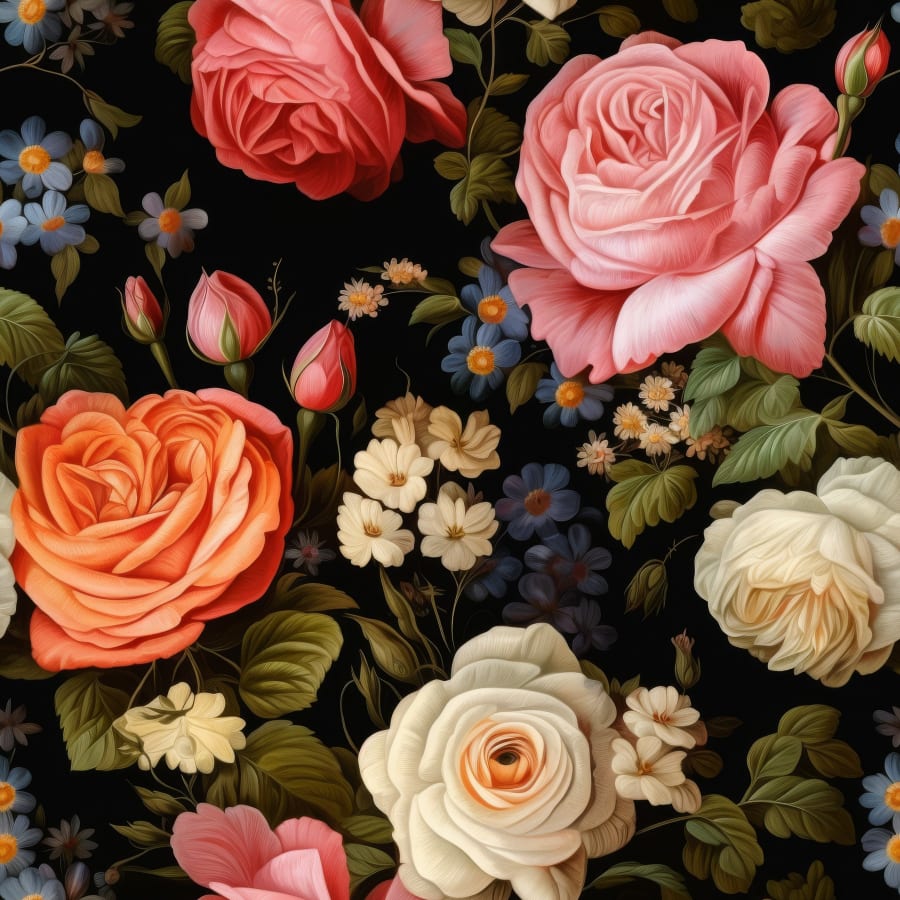
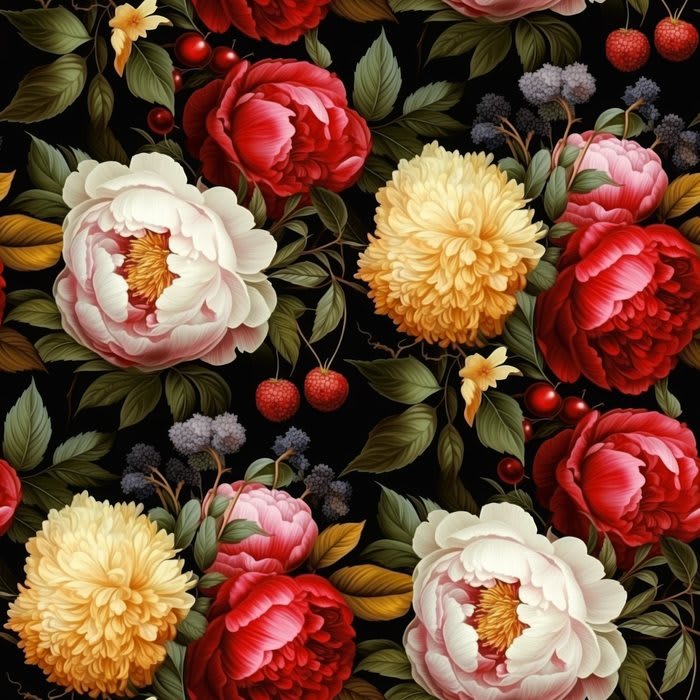
Every print is a seamless repeat. Each file holds a single tile that joins perfectly on every side, so the motif flows across the full width of your fabric as one continuous allover pattern.

FormatPNG, lossless
Resolution150 dpi
ColoursRGB
ScalesFive files, 25 to 75 cm (9.8 to 29.5 in)
BiasEvery scale turned 45°
Info sheet7 languages

Choose your scale

01 — Scales

Find your scale

Every print, at every scale.

Choose a print and try it on the garment or on fabric. Adjust the size and placement until it feels right. If your favourite size falls between two scales, note the details below the slider. You'll need them when you print.

070 cm140 cm · 55 in
Print
Scale

Placement
Shop this print

All scales

The scale is the size of one repeat. The same number always means the same motif size, so scale 03 straight and scale 03 bias look identical on your finished garment.

ScaleStraight tileBias tile
0125 cm · 9.8 in35.3 cm · 13.9 in
0232 cm · 12.6 in45.3 cm · 17.8 in
0340 cm · 15.7 in56.6 cm · 22.3 in
0455 cm · 21.7 in77.8 cm · 30.6 in
0575 cm · 29.5 in106.1 cm · 41.8 in

Your files

02 — Download

What's inside

Your print arrives as a ZIP file the moment you order. Inside are three folders: Info with the info sheet in seven languages, Straight with the five scales on the straight grain and Bias with the same five scales for bias cutting, turned 45°.

Each file name tells you the scale and the tile size in centimetres and inches, so you always upload the right one. Open the folders to see exactly what your download contains.

—SewingClub_BERRYLICIOUS_V1.0Folder
—1_InfoFolder
ENSewingClub_BERRYLICIOUS_Info_EN.pdfPDF
DESewingClub_BERRYLICIOUS_Info_DE.pdfPDF
FRSewingClub_BERRYLICIOUS_Info_FR.pdfPDF
ESSewingClub_BERRYLICIOUS_Info_ES.pdfPDF
ITSewingClub_BERRYLICIOUS_Info_IT.pdfPDF
NLSewingClub_BERRYLICIOUS_Info_NL.pdfPDF
PTSewingClub_BERRYLICIOUS_Info_PT.pdfPDF
—2_StraightFolder
01SewingClub_BERRYLICIOUS_01_25cm_9-8in.pngPNG
02SewingClub_BERRYLICIOUS_02_32cm_12-6in.pngPNG
03SewingClub_BERRYLICIOUS_03_40cm_15-7in.pngPNG
04SewingClub_BERRYLICIOUS_04_55cm_21-7in.pngPNG
05SewingClub_BERRYLICIOUS_05_75cm_29-5in.pngPNG
—3_Bias_45Folder
01SewingClub_BERRYLICIOUS_BIAS_01_35-3cm_13-9in.pngPNG
02SewingClub_BERRYLICIOUS_BIAS_02_45-3cm_17-8in.pngPNG
03SewingClub_BERRYLICIOUS_BIAS_03_56-6cm_22-3in.pngPNG
04SewingClub_BERRYLICIOUS_BIAS_04_77-8cm_30-6in.pngPNG
05SewingClub_BERRYLICIOUS_BIAS_05_106-1cm_41-8in.pngPNG

Print your fabric

03 — Step by step

Four steps

Step 1

Choose

Take the file in your chosen scale. For bias-cut pieces, use the same number from the Bias folder.

Step 2

Upload

Upload the original file to a fabric printing service you like and make sure it stays private. Choose the basic repeat.

Somewhere in between two scales? Upload the next larger file and set it to the percentage or tile size shown under Find your scale. Check the repeat in your printing service's preview before you order.

Step 3

Check

Many printing services offer fabric samples or a small test swatch of your design, so you can see and feel colours and quality before you order. Colours can look slightly different depending on fabric and printer.

Step 4

Print

Print the fabric you need, plus the shrinkage your printing service states for your fabric. Every Sewing Club pattern lists the fabric requirement for each size.

Want the motif placed exactly as in Find your scale? Then order at least one extra repeat.

Your printing service

Choose any service you like, wherever you are. These are the options to look for.

UploadYour own design files
PrivacyPrivate, not for sale
RepeatBasic repeat
SizeScaling in percent

Your printing service asks for a different format or size? Let us know at mail@wearesewing.club. We're happy to help and keep refining our files.

Bias cut

04 — Turned 45°

A note on bias

For bias-cut pieces, take the files from the Bias folder. The print is turned 45° clockwise.

Place your pattern pieces turned 45° clockwise as well, so the print sits straight on your finished piece.

The bias tile is a little larger because the turned motif needs more room to repeat seamlessly. The motif itself keeps its size. Same number, same motif size.

Straight file, scale 03, tile 40 cm
Straight · 03
Tile 40 cm · 15.7 in
Bias file, scale 03, tile 56.6 cm
Bias · 03
Tile 56.6 cm · 22.3 in

The collection

Signature PrintsSeamless repeat · Five scales · Straight and bias · Instant download · Free updates
Shop prints
NAOMI slip dress, sewn in Berrylicious

The Club

Made by you.

A print you chose, on the fabric you love, sewn into a piece that is yours alone. Show us and tag us on Instagram or Pinterest. Every tag means a lot to us, and now and then we surprise our club with a little something.

@wearesewingclub

Help

Questions? We're here.

Your download

Your download link is in your order confirmation and in your account, so your files are always within reach.

Free updates

Bought once, updated for life. If we refine a print, add a scale or include new files, the update is yours at no extra cost, for as long as the print is part of our collection.

Support

Questions about your print files or your order? Write to us at mail@wearesewing.club.

Licence

Print it for your own sewing projects as often as you like. The files are licensed to you only and may not be shared or resold. Selling what you make? Read our licence.

Shape what's next

Every Sewing Club design keeps evolving, and our club helps shape it. Wishing for another scale, a new file or a print we haven't made yet? Spotted a small detail we can polish? Write to us at mail@wearesewing.club. Every idea we bring to life comes with a little thank-you from us.